
Virtual Presentation setup using OBS Studio
About Course
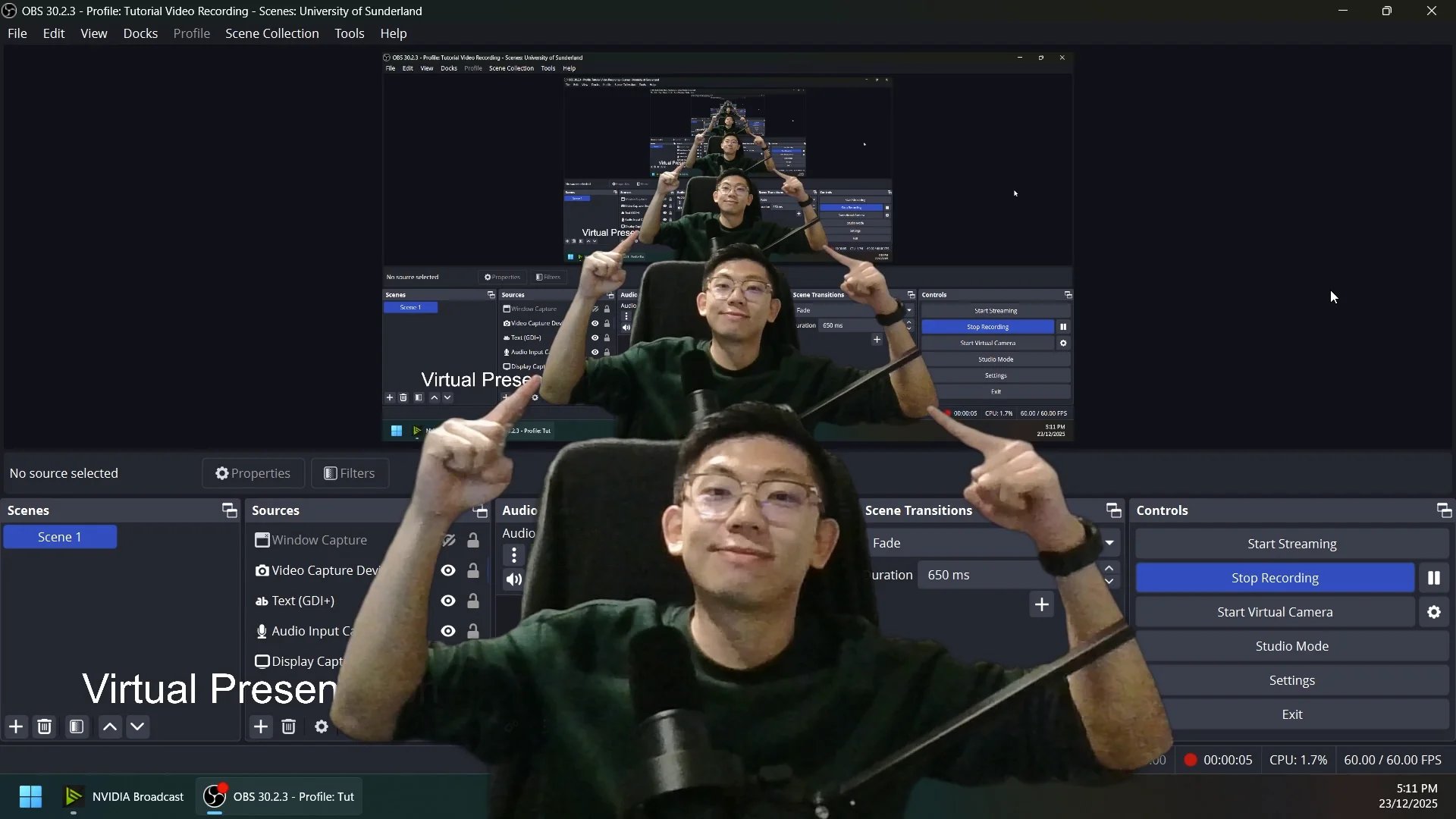
This course introduces the fundamentals of creating professional virtual presentations using OBS Studio. Students will learn how to set up scenes, manage audio and video sources, share presentation slides effectively, and improve on-screen presentation delivery. The course also explores practical techniques to make recorded presentations more engaging, visually organised, and suitable for academic, professional, and online learning environments.
Download here: https://obsproject.com/
Course Content
Virtual Presentation setup using OBS Studio
-
18:12